
WordPress vs Custom Website Development: Which Is Right for Your Business in 2027?
Choosing the right technology for your business website is one of the most important decisions you will make before starting development. A website is more than an online presence. It can become your primary marketing channel, a lead-generation platform, a customer portal, or even an essential ...
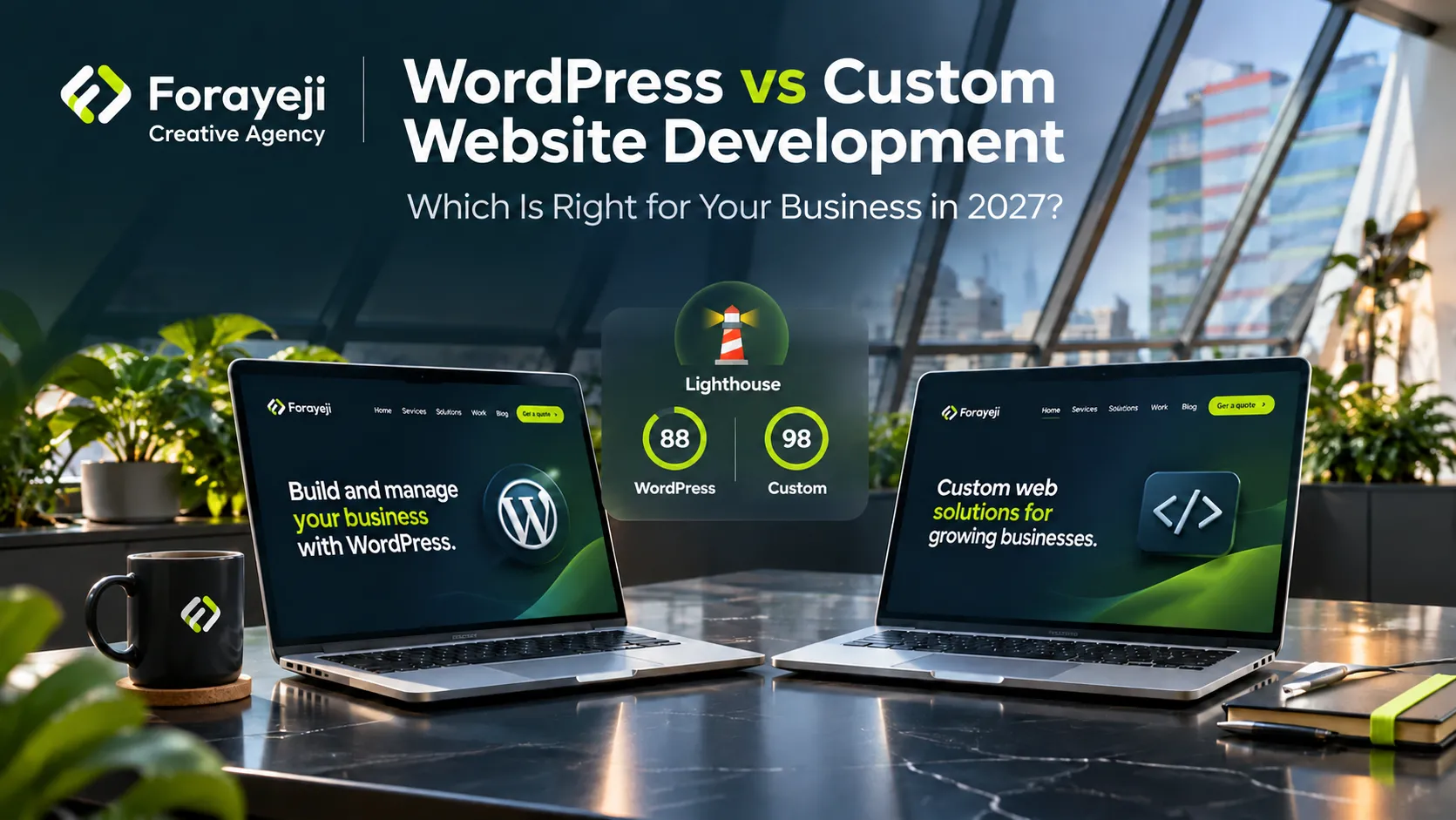
WordPress vs Custom Development which one should you pick in 2027 for your business?
Lets discuss onit today.
Choosing the right technology for your business website is one of the most important decisions you will make before starting development. A website is more than an online presence. It can become your primary marketing channel, a lead-generation platform, a customer portal, or even an essential part of your business operations.
Two popular approaches are WordPress development and custom website development. Both can deliver professional, high-performing websites, but they serve different requirements.
WordPress provides an established content management system with themes, plugins, and a large development ecosystem. Custom development gives businesses greater control over the architecture, functionality, and user experience by building around specific requirements.
So, which one should you choose in 2027?
The answer depends on what you are building, how your business operates, what features you need, and how you expect your website to grow.
In this guide, we will compare WordPress and custom website development across functionality, development time, flexibility, performance, security, maintenance, scalability, and long-term considerations. We will also explain when each approach makes the most sense for a business.
1. Understanding WordPress Website Development
WordPress is an open-source content management system (CMS) that allows users to create, manage, and publish website content through an administrative dashboard.
It powers a wide variety of websites, including:
Corporate and business websites
Agency and portfolio websites
Blogs and online publications
Landing pages and marketing websites
E-commerce stores
Membership websites
Educational platforms
Booking and directory websites
One of WordPress's biggest advantages is its ecosystem. Businesses can use existing themes and plugins or work with developers to create custom themes, plugins, integrations, and functionality.
For example, a business website can be developed using a custom WordPress theme, with custom post types for services and projects, advanced forms for lead generation, and integrations with CRM or marketing platforms.
WordPress does not mean using a ready-made template without customization. A professionally developed WordPress website can have a completely unique design and a carefully planned technical structure.
The important distinction is that WordPress provides an existing CMS foundation, which can reduce the amount of infrastructure and content-management functionality that needs to be built from scratch.
2. Understanding Custom Website Development
Custom website development means creating a website or web application around the specific requirements of a business.
Instead of depending primarily on an existing CMS structure, developers design and build the required architecture, functionality, database structure, user interfaces, and integrations.
Depending on the project, technologies may include:
Laravel and PHP for backend development
React or Vue.js for interactive interfaces
Next.js for modern web applications and websites
Node.js for backend services
MySQL or PostgreSQL for database management
REST APIs for communication between systems
Custom development is particularly useful when a business needs functionality that goes beyond a conventional content-managed website.
Examples include:
Customer and partner portals
Business management platforms
ERP and inventory management systems
Custom booking and reservation platforms
SaaS products
Multi-vendor marketplaces
Subscription-based platforms
Complex dashboards and reporting systems
Applications with specialized workflows
For example, imagine a company that needs a website where customers can register, manage subscriptions, submit requests, track orders, download documents, and communicate with different departments.
Although some of these features may be possible with WordPress and suitable extensions, a custom application may offer a more appropriate architecture when the workflows, permissions, data relationships, and integrations become sufficiently complex.
Custom development is not simply about writing more code. It is about having the freedom to design the system around the actual business requirements.
3. When Should You Choose WordPress?
WordPress is an excellent choice when your primary requirement is a professional website with manageable content and a familiar publishing workflow.
Consider WordPress if your business needs:
A company or corporate website
If your main goal is to present your company, explain your services, showcase projects, publish updates, and generate inquiries, WordPress can be a very practical solution.
A content-focused website
If your marketing strategy depends on publishing articles, news, guides, case studies, and landing pages regularly, WordPress offers a convenient content management experience.
Your marketing team can manage much of the content without requiring a developer for every small update.
An e-commerce website with established requirements
WordPress combined with WooCommerce can support many online stores, including product catalogs, customer accounts, order management, payment integrations, and shipping functionality.
For a store with requirements that fit the platform and its ecosystem, this can be an effective approach.
A website with a manageable feature set
If your website needs forms, service listings, search, filtering, multilingual content, blogs, and standard third-party integrations, WordPress may provide most of the foundation you need.
A project with a shorter delivery schedule
Because WordPress already provides content management, user management, and an established extension ecosystem, development teams may be able to deliver many types of websites more quickly than building equivalent foundations from scratch.
However, this depends on the design, functionality, integrations, and quality requirements.
Choose WordPress when your business needs a flexible, content-managed website and its requirements fit the platform without excessive customization.
4. When Should You Choose Custom Website Development?
Custom development becomes more attractive when your requirements are specific enough that an existing CMS structure starts creating limitations or unnecessary complexity.
Consider custom development when your business needs:
Specialized business workflows
If your website needs to follow specific business processes, such as approval systems, multi-stage order processing, automated calculations, or department-based operations, a custom application may be more suitable.
Complex user roles and permissions
A platform with administrators, employees, customers, suppliers, distributors, and partners may require detailed access rules.
Custom development allows these roles and permissions to be designed around the actual business structure.
Advanced integrations
If your platform needs to communicate with multiple external systems, financial services, inventory platforms, logistics providers, internal APIs, or other applications, custom architecture can provide greater control over integration logic.
A SaaS or software product
If you are building a subscription-based product that customers will use as software, custom development is often worth considering.
Examples include project management tools, business automation platforms, financial dashboards, and industry-specific software.
A unique data structure
Some businesses have relationships between customers, transactions, products, locations, employees, and permissions that do not fit comfortably into a conventional website structure.
A custom database architecture can be designed around those relationships.
Long-term product development
If your website is expected to become a substantial digital product with new modules, integrations, user types, and business rules over time, custom development may provide the architectural control you need.
Choose custom development when your website needs to behave like a tailored software product rather than primarily functioning as a content-managed website.
5. WordPress vs Custom Website Development: Pros and Cons
Both approaches have advantages and limitations. Understanding them helps you avoid choosing a technology based only on popularity or assumptions.
WordPress: Advantages
1. Established CMS
WordPress provides a ready-made content management system. Administrators can manage pages, posts, media, users, and other content through a dashboard.
2. Large ecosystem
Thousands of themes and plugins provide functionality for SEO, forms, e-commerce, caching, security, analytics, and many other requirements.
3. Faster development for suitable projects
The existing CMS foundation and available extensions can reduce development effort for common website requirements.
4. Easier content management
Content teams can publish articles, update pages, and manage website information without depending on developers for every change.
5. Flexible customization
Developers can build custom themes, plugins, blocks, integrations, and other functionality instead of relying entirely on pre-built solutions.
6. Established community
WordPress has a large global developer and user community, along with extensive documentation and learning resources.
WordPress: Disadvantages
1. Plugin dependency
Using too many plugins, poorly maintained extensions, or incompatible components can increase maintenance complexity.
2. Potential performance issues
An inefficient theme, excessive scripts, unnecessary plugins, unoptimized images, or inadequate hosting can negatively affect performance.
3. Maintenance requirements
WordPress core, themes, plugins, backups, and security updates need regular attention.
4. Architectural limitations in certain projects
WordPress can be extended considerably, but highly specialized applications may become difficult to maintain if their architecture is forced into a structure that does not suit the requirements.
5. Third-party compatibility
Plugin conflicts, abandoned extensions, and changes to external services can create additional maintenance work.
Custom Development: Advantages
1. Requirement-driven architecture
The system can be designed around the business's actual processes, data, and functionality.
2. Greater control
Developers have more freedom over the backend, database structure, frontend architecture, APIs, and application logic.
3. Tailored user experience
The interface and workflows can be designed specifically for the intended users.
4. Flexible integrations
Custom APIs and integration layers can be designed around the systems the business needs to connect.
5. Product-level functionality
Custom development is well suited to applications that need dashboards, advanced permissions, subscriptions, automation, and specialized workflows.
6. Architectural independence
The business is less dependent on a particular CMS or a large collection of third-party plugins for its core application logic.
Custom Development: Disadvantages
1. More planning is required
A custom project needs clear requirements, architecture decisions, database planning, and technical specifications before development can proceed efficiently.
2. Longer development for many projects
Common functionality that already exists in WordPress or its ecosystem may need to be developed and tested separately.
3. Greater responsibility for maintenance
The development team must maintain the application code, dependencies, infrastructure, integrations, and security practices.
4. Documentation is important
Without proper technical documentation, future developers may find it difficult to understand and extend the system.
5. Testing requirements
Custom business logic, user permissions, integrations, and workflows need appropriate testing before release.
6. Ongoing technical ownership
A business needs a reliable maintenance arrangement or an internal team capable of supporting the application.
6. How Much Time Does Development Take?
Development time is one of the most practical factors when choosing between WordPress and custom development.
There is no universal delivery time for either approach. A five-page corporate website and a multilingual e-commerce platform are completely different projects, even if both use WordPress.
Likewise, a small custom landing page is not comparable to a custom SaaS application.
The following estimates are illustrative planning ranges for projects with reasonably clear requirements, timely client feedback, and an experienced development team.
WordPress development timeline
Development stageEstimated timeRequirement gathering and planning2–4 daysUI/UX design3–7 daysWordPress setup and architecture1–2 daysTheme development and implementation4–8 daysContent setup and page development2–5 daysPlugin configuration and integrations2–4 daysTesting and optimization2–4 daysLaunch and handover1–2 days
Estimated total: 3–6 weeks
These stages may overlap. A project with approved designs, prepared content, and standard functionality may take less time. A multilingual website, complex WooCommerce store, or heavily customized WordPress platform may take considerably longer.
Custom website development timeline
Development stageEstimated timeRequirement analysis and discovery3–7 daysSystem architecture and database planning3–7 daysUI/UX design5–10 daysBackend and API development7–15 daysFrontend development7–15 daysIntegration and business logic4–10 daysTesting and quality assurance4–7 daysDeployment and documentation2–4 days
Estimated total: 6–12 weeks
This is a planning range for a relatively focused custom website or application. A complex platform with multiple modules, advanced permissions, financial integrations, or extensive business workflows may take several months or longer.
Why does custom development usually take longer?
A custom application may need a team to create functionality that WordPress already provides.
For example, a project might require:
Authentication and account management
Role-based permissions
Content management
Database relationships
Admin dashboards
API endpoints
Form validation
Notification systems
Reporting and analytics
These components need to be designed, implemented, tested, and documented.
However, custom development does not always take longer. If WordPress requires extensive customization, complex plugin integration, or workarounds, a focused custom solution may be more efficient.
The right comparison is not simply WordPress versus custom code. It is the actual amount of work required to deliver the same business requirements reliably.
7. Performance: Which Approach Is Faster?
Performance is often discussed as if one technology is automatically faster than the other. That is not an accurate way to compare them.
A properly optimized WordPress website can be extremely fast. A poorly developed custom application can be slow.
Likewise, a carefully engineered custom application can deliver excellent performance, while an overloaded WordPress installation can struggle under unnecessary scripts and inefficient queries.
WordPress performance depends on:
Hosting quality and server configuration
Theme and page-builder efficiency
Plugin selection
Image and media optimization
Caching configuration
Database optimization
Frontend asset management
Third-party scripts
Custom application performance depends on:
Backend architecture
Database design and query optimization
API response efficiency
Frontend rendering strategy
Caching and background processing
Infrastructure and server configuration
Monitoring and performance testing
For either approach, consider Google's Core Web Vitals, including Largest Contentful Paint (LCP), Interaction to Next Paint (INP), and Cumulative Layout Shift (CLS).
Do not choose custom development simply because you expect it to be faster. Ask how performance will be measured, tested, and maintained.
8. Security: WordPress vs Custom Development
Security is another area where assumptions can lead to poor decisions.
WordPress is widely used, which makes maintaining its core software, themes, plugins, hosting environment, and access controls especially important.
A custom application avoids some CMS-specific dependencies, but it introduces responsibility for the security of the application code, authentication, authorization, database queries, APIs, dependencies, and infrastructure.
WordPress security considerations
Keep WordPress core, themes, and plugins updated.
Use reputable and maintained plugins.
Apply strong authentication and access controls.
Configure secure hosting and backups.
Review user permissions.
Monitor vulnerabilities and suspicious activity.
Custom application security considerations
Implement secure authentication and authorization.
Validate and sanitize user input.
Protect APIs and sensitive endpoints.
Use secure password and session handling.
Manage secrets and environment variables properly.
Keep frameworks and dependencies updated.
Perform code reviews and security testing.
Maintain backups, logs, and monitoring.
Neither approach is automatically secure. Security depends on implementation quality, operational practices, and ongoing maintenance.
9. SEO: Which Is Better for Search Engines?
Both WordPress and custom-developed websites can perform well in search engines.
Google does not automatically rank a website higher because it uses WordPress or because it was built with Laravel, React, or another framework.
SEO depends on the quality of the website and how well it meets search requirements.
Important considerations include:
Search-friendly URL structures
Proper title tags and meta descriptions
Clear heading hierarchy
Crawlable internal links
XML sitemaps
Canonical URLs
Structured data where appropriate
Mobile usability
Page performance
High-quality, relevant content
Correct indexing and rendering
WordPress offers established SEO plugins that simplify many routine tasks.
With custom development, the same SEO capabilities can be implemented directly, but developers need to plan and build them properly.
For multilingual websites, both approaches also need correct language-specific URLs, localized metadata, canonical handling, and reciprocal hreflang annotations where appropriate.
The best platform for SEO is the one that allows your team to publish useful content, maintain technical quality, and manage the website consistently.
10. Maintenance and Long-Term Ownership
Launching a website is not the end of the development process.
Every website needs maintenance, monitoring, updates, backups, security reviews, and occasional improvements.
With WordPress, maintenance often includes:
WordPress core updates
Theme and plugin updates
Compatibility testing
Backup management
Security monitoring
Performance reviews
Content and plugin maintenance
With custom development, maintenance may include:
Framework and dependency updates
Application bug fixes
Database maintenance
API monitoring
Infrastructure updates
Security patches
Automated testing
Feature improvements
Technical documentation
WordPress can make content management easier, but it does not eliminate technical maintenance.
Custom development provides greater architectural control, but the business needs a dependable way to maintain the codebase and infrastructure.
Before starting either project, clarify who will maintain the website after launch and what support is included.
11. Can You Combine WordPress and Custom Development?
Yes. In fact, a hybrid approach can be a very practical solution for some businesses.
Not every business needs to choose one technology for everything.
For example, a company might use WordPress for:
Public-facing website
Service pages
Blog and articles
Landing pages
Marketing content
At the same time, it could use a custom Laravel or Next.js application for:
Customer portals
Internal dashboards
Order management
Subscription management
Business automation
Advanced reporting
The two systems can communicate through APIs where appropriate.
This approach allows the marketing team to manage public content through WordPress while a separate application handles specialized business operations.
However, a hybrid architecture also introduces integration, authentication, hosting, and maintenance considerations. It should be chosen because it solves a real requirement, not simply because combining technologies sounds more advanced.
12. A Practical Comparison: Which One Fits Your Project?
Here are some common project types and the approach worth considering.
Project typeRecommended starting pointCorporate business websiteWordPressAgency websiteWordPressBlog or publicationWordPressPortfolio websiteWordPressStandard business landing pagesWordPressConventional WooCommerce storeWordPressComplex multi-vendor marketplaceEvaluate both; custom or hybrid may fitCustomer management portalCustom developmentERP or inventory management systemCustom developmentSaaS platformCustom developmentComplex workflow automationCustom developmentMarketing website with a separate business applicationHybrid approach
These are starting recommendations, not strict rules. A sufficiently customized WordPress solution may support some advanced use cases, while a simple custom website may not need the complexity of a full application architecture.
The final decision should follow the actual requirements.
13. Questions to Ask Before Choosing a Development Approach
Before selecting a platform or hiring a development team, answer these questions:
Is the website mainly for publishing information, or must it perform business operations?
Who will manage website content after launch?
Do you need different user roles and permissions?
Which third-party services must be integrated?
Does the project need custom workflows or business logic?
How important are future modules and product expansion?
Who will maintain the website after launch?
What are the expected delivery requirements?
Does the business already have an internal technical team?
Which approach can meet the requirements without unnecessary complexity?
A good development partner should help you answer these questions before recommending a technology.
14. Final Verdict: WordPress or Custom Website Development in 2027?
There is no single winner between WordPress and custom website development.
WordPress is a powerful choice for businesses that need professional websites, content management, marketing pages, blogs, and established website functionality. It can be customized extensively and is capable of supporting much more than a basic company website.
Custom development is a strong option for businesses that need specialized workflows, complex integrations, custom data structures, advanced user permissions, or a digital product built around their operations.
A hybrid approach can also make sense when a business needs the content-management convenience of WordPress alongside a separate custom application.
The most important thing is to avoid choosing technology before understanding the problem.
Start with your business goals. Define the required features. Understand who will use the system and how it will evolve. Then choose the development approach that delivers those requirements with the right balance of flexibility, maintainability, performance, and long-term value.
At Forayeji, we believe the right technology should serve the business—not the other way around.
Whether you need a professionally developed WordPress website, a custom web application, or a combination of both, the first step is understanding what your project actually needs.
Planning a new website or digital platform?
Talk to Forayeji about your requirements. We can help you evaluate the available approaches and define a development solution that fits your business goals.
Frequently Asked Questions
Is WordPress good for business websites in 2027?
Yes. WordPress remains a capable option for corporate websites, blogs, marketing websites, portfolios, and many e-commerce projects. Its suitability depends on the required functionality, implementation quality, and maintenance plan.
Is custom website development better than WordPress?
Not necessarily. Custom development is more appropriate for some specialized applications, while WordPress is often more practical for content-driven websites. The better option depends on your requirements.
Is WordPress cheaper than custom development?
It can be, particularly when the project fits existing WordPress capabilities. However, extensive customization, premium extensions, integrations, and ongoing maintenance can affect the total investment. Compare the full project scope rather than assuming one approach is always cheaper.
How long does it take to build a WordPress website?
A relatively straightforward business website may take around 3–6 weeks, depending on design, content, functionality, integrations, and feedback cycles. More complex projects can take longer.
How long does custom website development take?
A focused custom website or application may take around 6–12 weeks as an initial planning estimate. Complex platforms with multiple modules, integrations, and workflows may require several months or more.
Can WordPress handle complex functionality?
Yes. WordPress can be extended with custom themes, plugins, APIs, and integrations. However, some projects are easier to maintain with a dedicated application architecture.
Is custom development more secure?
Not automatically. Security depends on code quality, configuration, updates, access controls, infrastructure, testing, and maintenance. Both approaches require ongoing security practices.
Can I use WordPress for my website and custom development for my application?
Yes. A business can use WordPress for its public website and a separate custom application for customer portals, internal systems, or specialized workflows. APIs can connect the two where needed.
Which approach is better for SEO?
Both can support strong SEO. Search visibility depends on technical implementation, content quality, site structure, performance, crawlability, and ongoing optimization—not simply the technology used.
No comments yet. Be the first.
Keep reading
More articles
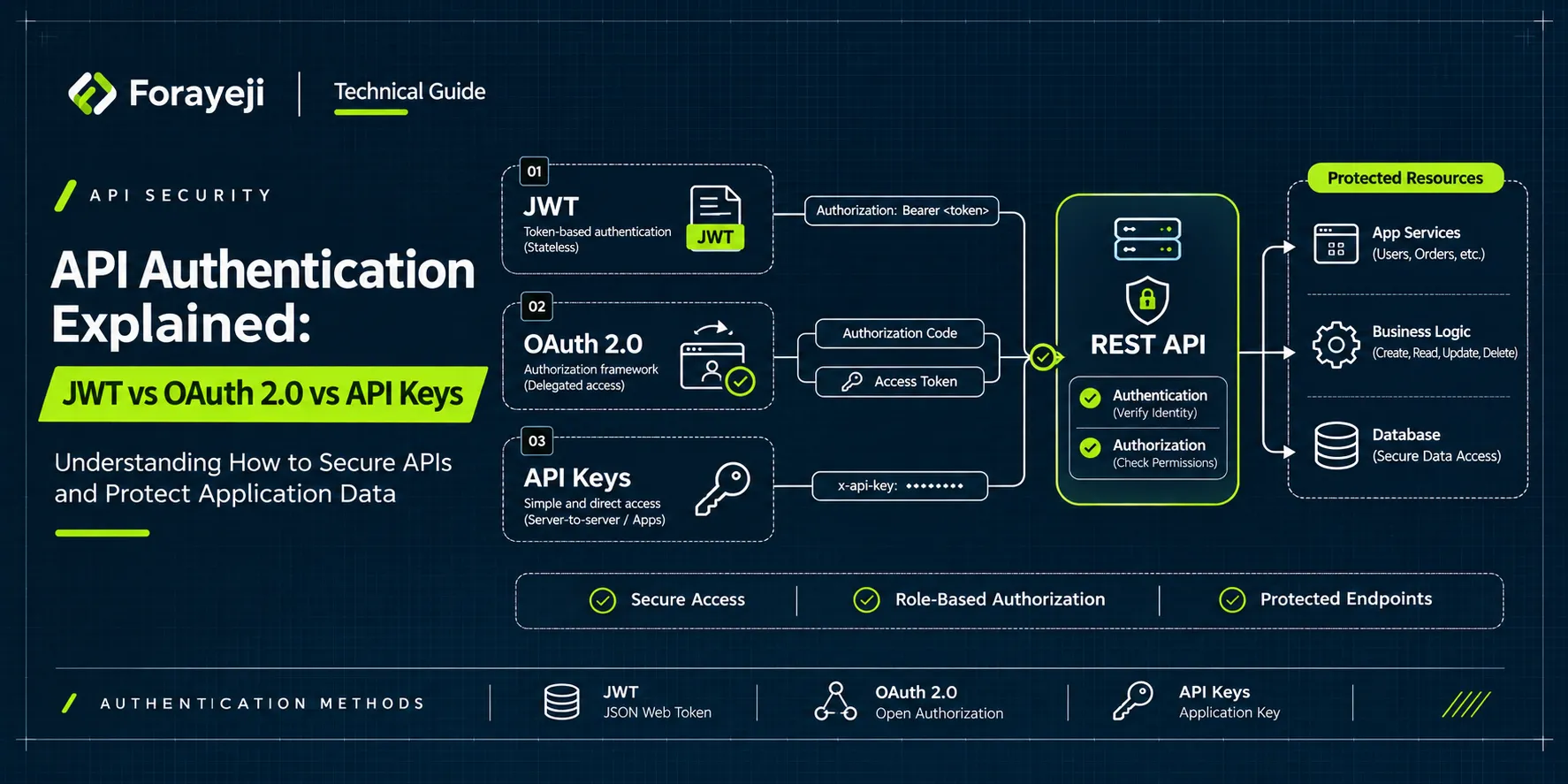
API Authentication Explained: JWT vs OAuth 2.0 vs API Keys
JWT, OAuth 2.0 and API keys solve different problems. Here is what each one is, when to use it, and how we combine all three in the Laravel and Next.js platform we build client projects on.
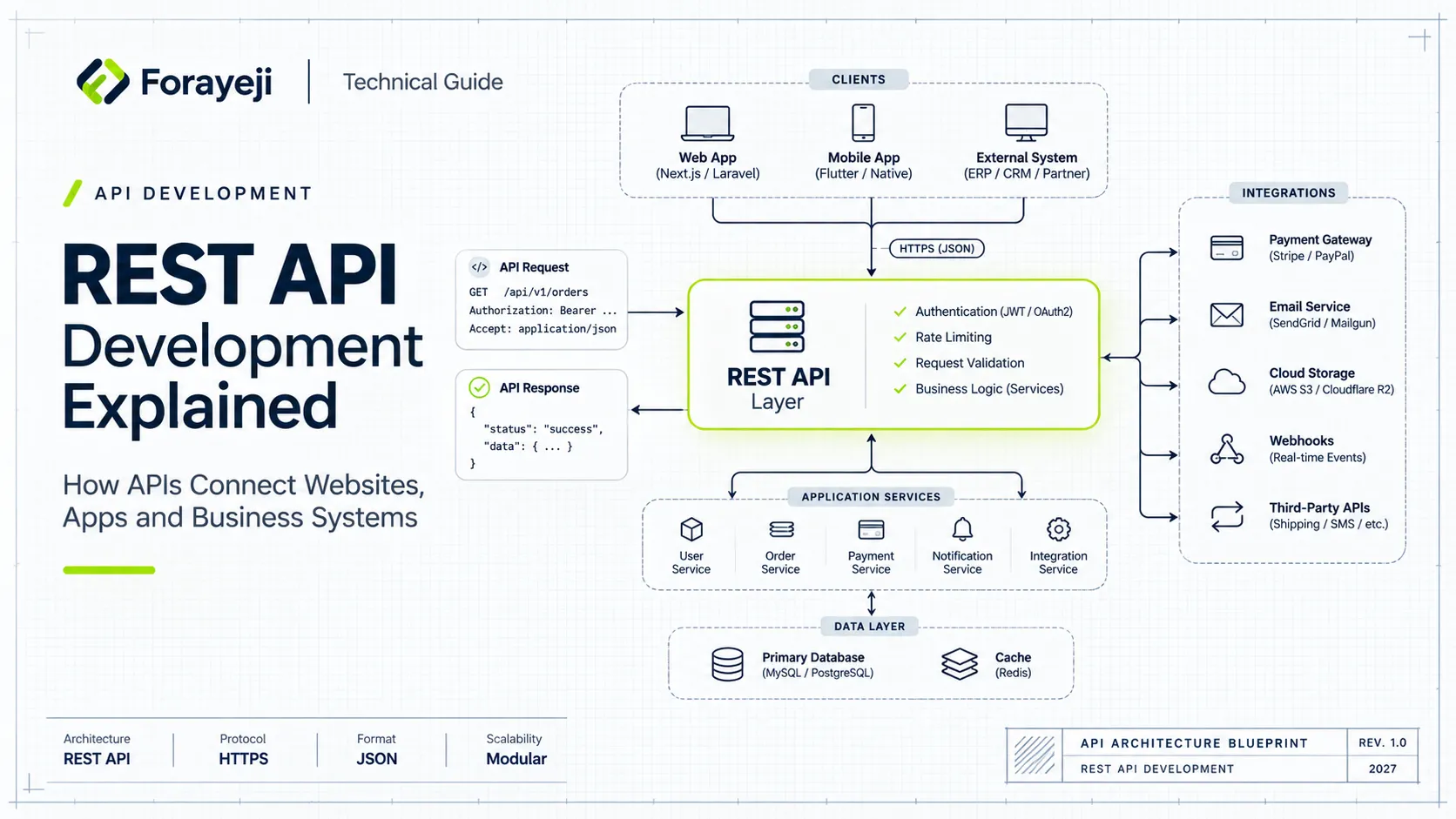
REST API Development Explained: How APIs Connect Websites, Apps and Business Systems
REST API development explained in plain English: how APIs let your website, mobile app and business systems share one source of truth, and the versioning, error, security and reliability rules we follow on every API we build.

How to Choose a Reliable White-Label Web Development Partner in 2027
Choosing a white-label web development partner? Check these eight things in 2027: proof of similar work, fixed quotes you can mark up, communication, brand protection, code ownership, process and support, plus the red flags and questions to ask before you sign.
How Much Does a Website Cost in 2027? A Plain-English Guide
If you've ever asked multiple web development agencies for a quotation, you've probably received very different answers. One agency might provide a relatively small estimate, another might quote several thousand dollars, while someone else might want to discuss your requirements ...
Next step
Have a project in mind?
Tell us what you're trying to achieve. We reply within one working day with honest advice and, if it fits, a written plan with a fixed quote.